Richard Wong 3 April, 2011
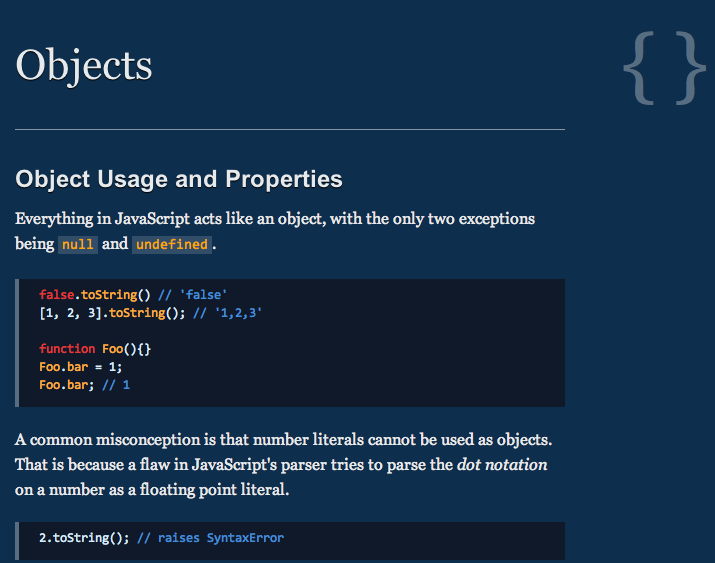
by Ivo Wetzel and Zhang Yi Jiang is a collection of documentation about the most quirky parts of the JavaScript language with a lot of code examples.
This is a very good read for developers already working with javascript. I’m sure you will find things in there that are new to you.
The whole doc is open source and hosted on GitHub built with Node.js using template.
Richard Wong 30 March, 2010
I was involved in a project recently with some heavy use of Javascript. We needed to load many javascript files on the page. Because of the site structure and the legacy system, there are potential situations where the same javascript is loaded more than once. To over come that, we needed something that can handle the script loading for us.
After looking at many options, we decided to write our own quick and dirty lazy script loader which will fit our need.
The key features we want from it are:
- Dynamically creating a script tag to load any scripts we want
- Handle callbacks
- Handle duplicate script load
- Small in size and simple api
- Framework independent
Continue reading »
Richard Wong 2 April, 2009
Using Google Trend for website, I added 5 popular javascript framework website and the above chart is the .
Is jquery.com just that much more appealing than the other framework sites or the actual framework is just that much more popular?
Richard Wong 1 April, 2009

One of the most used and helpful feature of any Javascript framework is probably their selector function. It allows us to search and filter elements using CSS like selector syntax. This means it takes out the tedious part in DOM scripting and enables developers to write less and more reliable code. As a result, we all expect to see some sort of selector engine in all javascript framework.
However, there are still rooms for improvement and reasons to have standalone selector engines that are not part of any framework. Since selecting elements are the most common operational you would do, any improvement would increase the overall performance of your script.
Looking at recent development, there are definitely people believing the need for standalone selector. Here are 4 robust and small standalone Selector engines you can check out.
Continue reading »
Richard Wong 18 February, 2009
After about 4 months without posting anything, I really want to get myself going again by starting with a small post about the latest projects from Mozilla Labs.
As for most us who develop for the web, Mozilla Firefox are already our default browser as its add-on structure gave us many essential tools in development. So it’s very exciting to see their lab coming out with experimental project that focus on developers.
Bespin was launched last week as an open extensible web-based code editors aiming to increase developer productivity, enable compelling user experiences, and promote the use of open standards.
Without me repeating too much, here is an introduction video from Mozilla:
from on .
Continue reading »